The QR Threat:
QR codes have rapidly become part of everyday life. We use them to view restaurant menus, pay for parking, download apps, access event tickets, and verify deliveries. With a quick scan from a smartphone camera, a QR code can instantly connect users to websites or services.
However, this convenience comes with a growing cybersecurity risk. Cybercriminals are increasingly exploiting QR codes as a method of attack, leading to a rise in QR code phishing—often called “quishing.”
Understanding how these attacks work is essential for protecting personal data and avoiding online scams.
12% of all phishing attacks contained a QR code in 2025. 68% of quishing attacks specifically targeted mobile users in 2025. QR-based phishing emails surged from approximately 47,000 in August to over 249,000 in November 2025 – KeepNet
Why QR Codes Create Security Risks
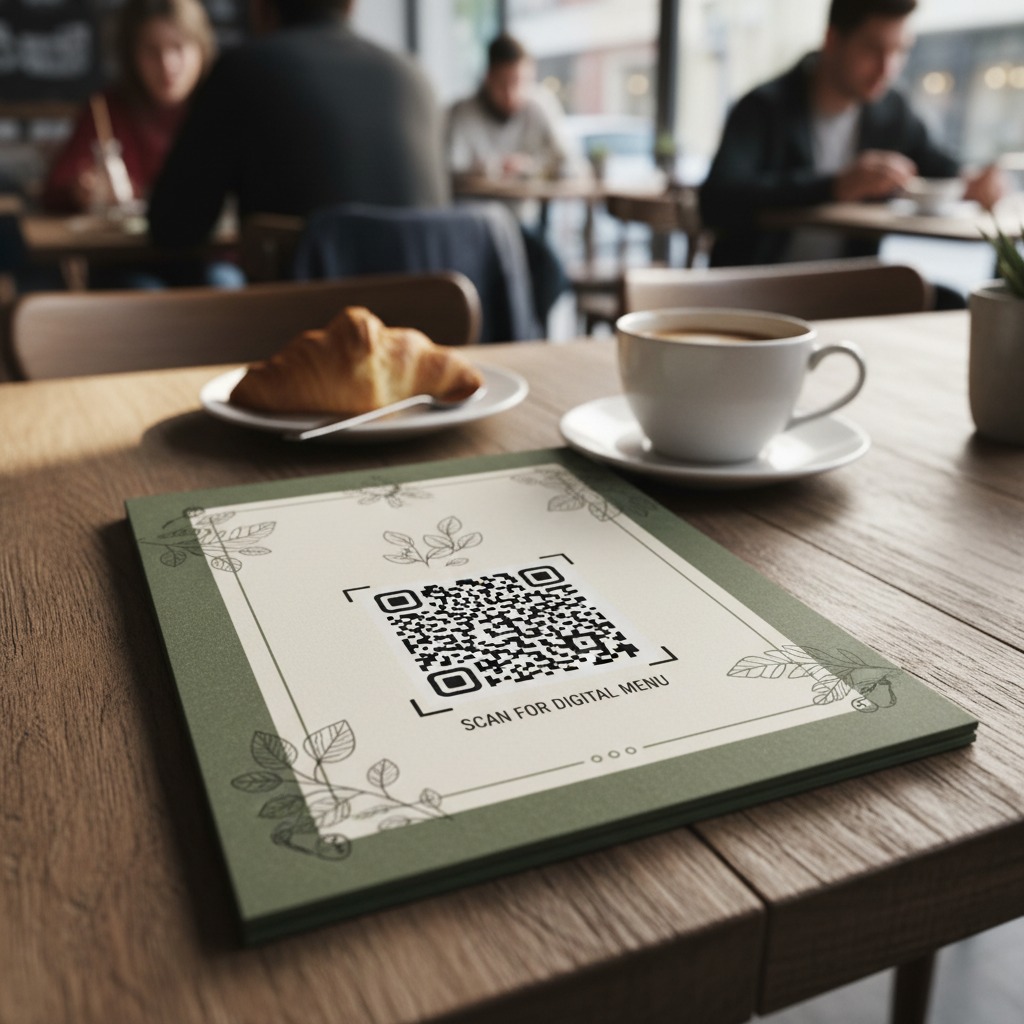
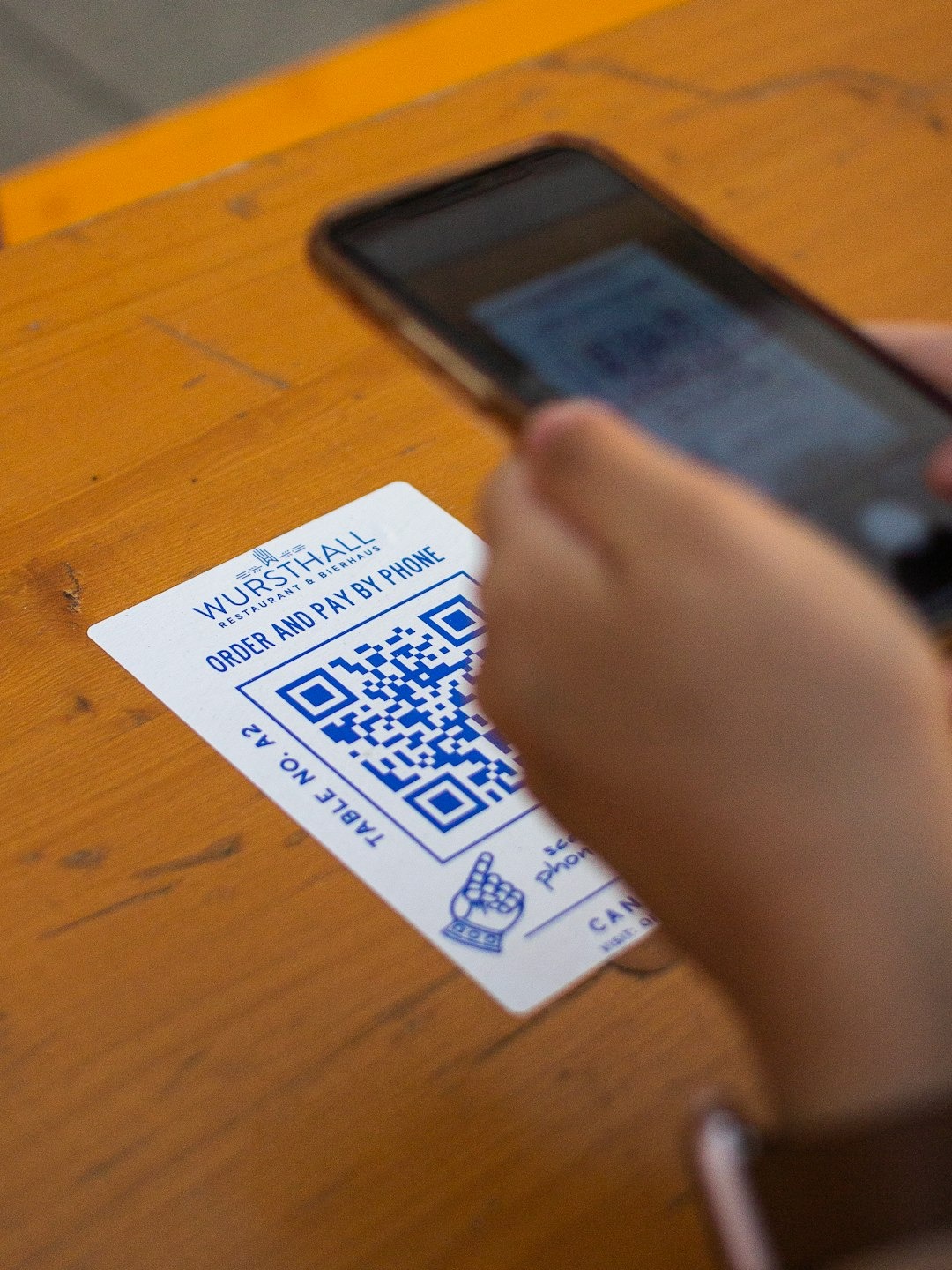
Unlike normal links, QR codes hide the destination URL inside the code itself. Users cannot see where the link leads until they scan it.
This creates several security challenges:
- The destination website is hidden before scanning
- QR codes are easy to copy, replace, or tamper with
- Users tend to trust QR codes in physical locations
Because of this, attackers can use QR codes to redirect victims to malicious websites without raising suspicion.
What Is Quishing?
Quishing (QR phishing) is a cyberattack that uses QR codes to redirect victims to malicious websites.
These attacks are designed to:
- steal login credentials
- capture financial information
- distribute malware
- redirect users to scam websites
The success of quishing relies heavily on user behaviour. People often trust QR codes and scan them quickly without verifying the destination.
Why Smartphones Are Vulnerable
Most QR codes are scanned using mobile devices, which introduces additional risks:
- mobile browsers may open links automatically
- users often scan quickly without checking the destination
- security tools on mobile devices may be limited
Once the malicious page loads, users may unknowingly enter sensitive information.
Real-World Example: QR Codes on Posters and Advertisements
Attackers sometimes place QR codes on posters, flyers, or advertisements promising:
- discounts
- event tickets
- product information
These codes may redirect users to malicious websites that attempt to:
- install malware
- collect personal information
- generate advertising revenue through scams
Because QR codes appear simple and trustworthy, many users scan them without considering the potential risks.
How QRGuardian Helps Protect Against QR Code Threats
QRGuardian is designed to make QR scanning safer. Instead of automatically opening a QR code link, QRGuardian first analyses the destination and checks it against known threat indicators, including suspicious domains and phishing patterns. The app allows users to see where a QR code leads before visiting the site, helping them avoid malicious pages and QR-based scams. By adding a layer of verification to every scan, QRGuardian helps users safely interact with QR codes while reducing the risk of quishing and other QR-related cyber threats.
Leave a Reply